Guide
Alarms for heavy sleepers — and why yours did not go off
In almost every case the alarm did ring — it was snoozed and forgotten, set for PM instead of AM, or set in an app that was not allowed to send notifications. The iPhone's built-in Clock alarm does sound in silent mode and through most Focus settings; a third-party alarm app uses notifications, so its permissions matter. For genuinely heavy sleepers, the change that works is an alarm you cannot dismiss with a half-asleep tap.
First: check the boring explanations
Before changing anything, rule these out. They account for the overwhelming majority of 'my alarm did not go off' mornings.
- It rang and you snoozed it. This is by far the most common answer, and people genuinely do not remember doing it.
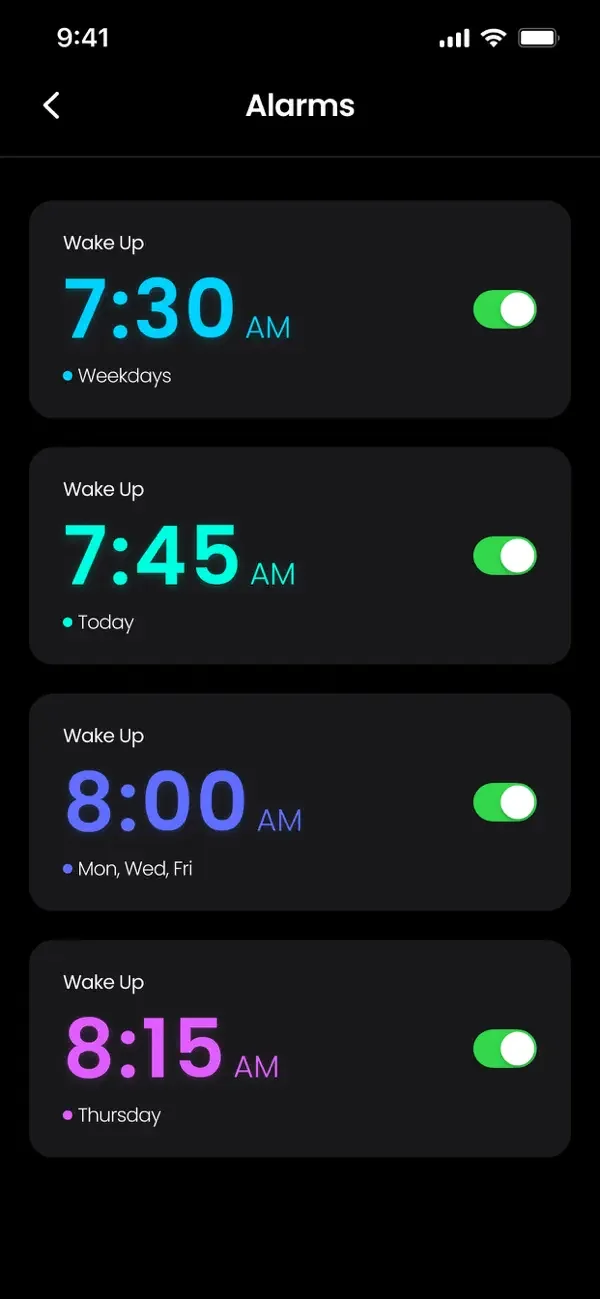
- AM instead of PM. Check the alarm list rather than trusting memory.
- Wrong days. A weekday-only repeat does not ring on Saturday, and a one-off alarm does not repeat at all.
- Volume: the alarm volume follows the ringer volume. Check Settings, Sounds & Haptics — and whether Change with Buttons is on, because then a volume press during the day lowers your alarm too.
- A sound of 'None' selected — the alarm fires silently and vibrates only.
- Headphones connected: audio can route away from the speaker.
- The phone was off, or the battery died overnight. A powered-off iPhone does not ring.
What silent mode and Focus actually do
There is a lot of folklore here. The Clock app's alarms are treated specially by iOS: they sound even when the ring switch is set to silent, and they are designed to break through Do Not Disturb and Sleep Focus — that is the whole point of an alarm.
A third-party alarm app is a different case: it delivers alarms as notifications, so notification permission has to be granted, and Focus settings that suppress notifications matter. If you use one, allow its notifications and check that it is not filtered out by a Focus you have set for the night. Test it with a throwaway alarm five minutes ahead before you trust it with something important.
What actually works on heavy sleepers
The problem with a normal alarm is not that it is too quiet. It is that a heavy sleeper can dismiss it while unconscious and remember nothing. Every effective fix attacks that.
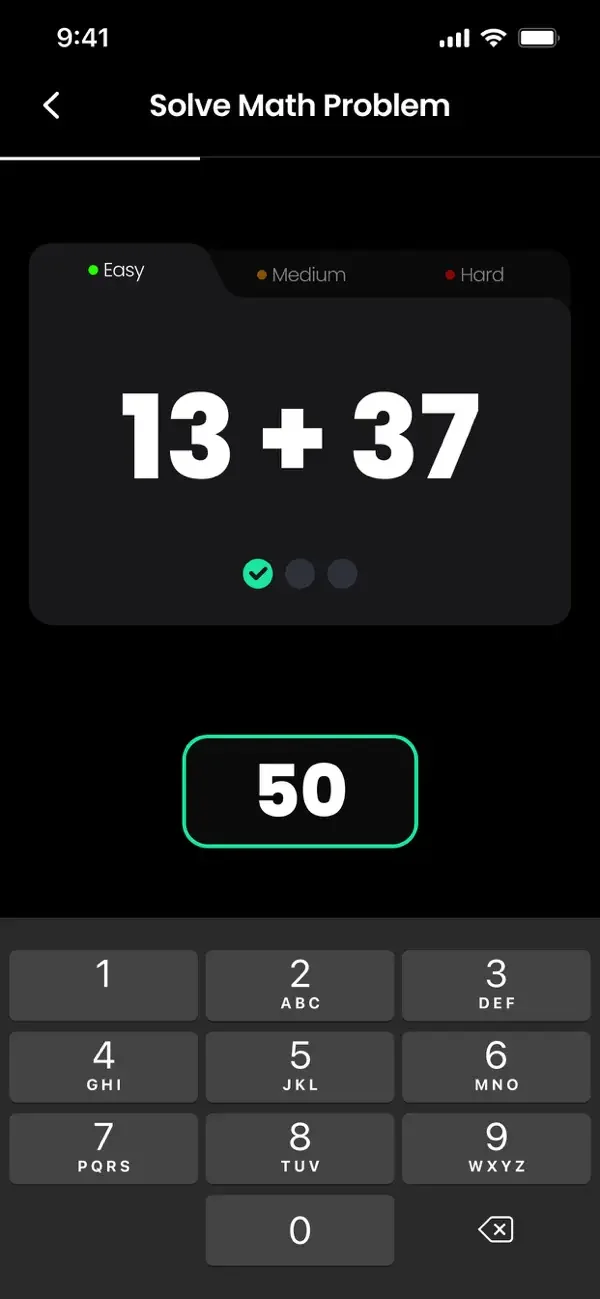
- A challenge to dismiss — a maths problem, or a colour or pattern sequence to repeat. Solving it requires enough attention that you are awake by the time it stops.
- Set the difficulty high enough to matter but low enough to be possible before coffee.
- Several alarms a few minutes apart, so one dismissal is not the end of the story.
- Put the phone across the room. Standing up is most of the battle, and it makes the challenge harder to fake.
- A rising melody rather than a sudden one — less jarring, and harder to sleep through than a single tone.
- A consistent time, including at weekends. The most effective alarm is a body clock that already expects it.
If you use a third-party alarm app
- Allow notifications when it asks — that is how the alarm reaches you.
- Check that a night-time Focus is not filtering it out.
- Test it once with an alarm a few minutes ahead, in the state you actually sleep in: screen off, phone where it normally sits.
- For something you truly cannot miss — a flight, an exam — set the built-in Clock alarm as well. Redundancy costs nothing.
Common questions
Does an iPhone alarm go off on silent?
Yes. Alarms from the built-in Clock app sound even with the ring switch set to silent — iOS treats alarms as something you asked for rather than an interruption.
Will my alarm ring during Do Not Disturb or Sleep Focus?
Clock alarms are designed to sound through Focus, including Sleep. Third-party alarm apps deliver notifications instead, so their permissions and any Focus filtering matter — test yours before relying on it.
Why did my alarm not go off?
Usually it did: snoozed and forgotten, set to PM, set for the wrong days, ringer volume turned down, sound set to None, or audio routed to connected headphones. Check the alarm list first — the setting is almost always the culprit.
Do challenge alarms actually work?
For heavy sleepers, they are the most effective single change, because the failure mode is dismissing an alarm while half asleep. Solving a maths problem or repeating a pattern takes enough attention that you are properly awake.
Does my alarm work if the app is closed or the phone is off?
A powered-off iPhone will not ring. For third-party apps, behaviour after force-quitting depends on your iOS version and settings, so test it — and use the built-in Clock alarm as a backup for anything critical.
The app used in this guide
Appenvision publishes the app named in this guide. Where a step can be done with the tools already on your iPhone, that route is described first.
Sources
Official documentation for the system steps and for any general figure quoted. Product behaviour is described from the apps themselves; the sources below cover what is not ours to assert.
How this guide was put together
Written from the shipping iOS builds and the features visible in each app's own screens. Where a number or a behaviour could not be verified from the app or its App Store listing, it is not stated here.
System steps are described against current iOS as of the check date above, and app behaviour against the current App Store build. Exact iOS and app build numbers are added per release once the product team confirms them; where a behaviour depends on your own iOS version or settings, the guide says so rather than assuming.