AI Image Generator for iPhone — Text to Art
Turn ideas into images.
- App Store name
- AI Image Generator - Art Photo
- Category
- Utilities
- Price
- Free · In-App Purchases
- Requires
- iOS 14.0+
- Languages
- 12
- On the App Store since
- 2025
- Last updated
- 2025
What it does for you
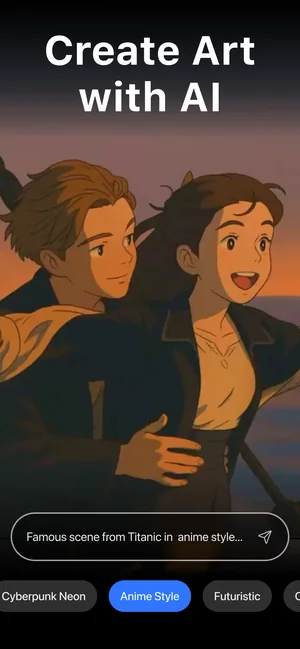
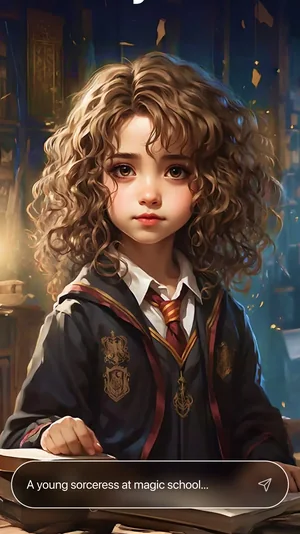
AI Image Generator turns a sentence into a picture. You describe what you want, pick a style — Cyberpunk Neon, Anime and a long list of others — and get an image back, from abstract to photorealistic.
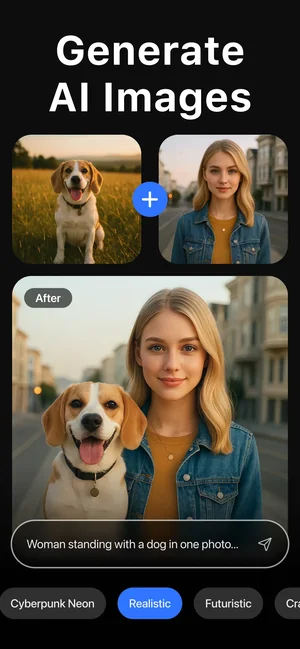
It also works the other way round: feed it a photograph you already have and the AI restyles it, then a normal editor finishes the job with crop, blur, filters, brightness, contrast, saturation and temperature.
About this app
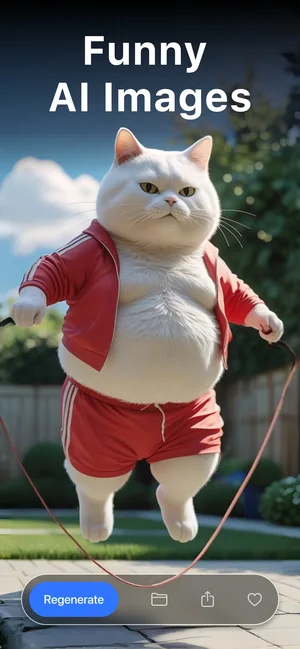
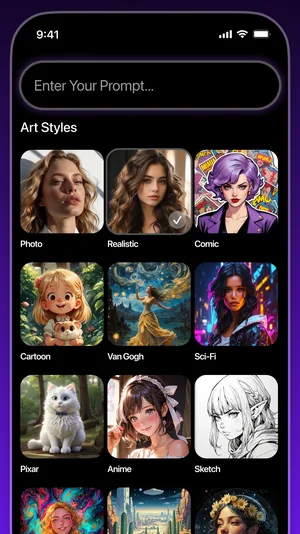
AI Image Generator turns a sentence into a picture. Describe what you want to see, pick from a large collection of artistic styles — or combine several — and generate anything from an abstract piece to a photorealistic portrait.
Existing photos get the same treatment: rework them with AI, change the style or mood, then finish with a practical editor — crop, blur, filters, brightness, contrast, saturation and temperature.
Key features
- Image generation from your own prompts
- A large collection of artistic styles to combine
- AI reworking of existing photos
- Crop, blur, filters and fine-tuning tools
When people use it
An illustration that does not exist yet
A specific scene for a post, a thumbnail or a slide, where stock libraries only get you close.
Restyling a photo you already took
The same portrait rendered in a different look, rather than generated from nothing — useful when the subject has to stay recognisable.
Finding a look by combining styles
Styles can be layered rather than chosen one at a time, so a result can sit between two references.
Working out the prompt
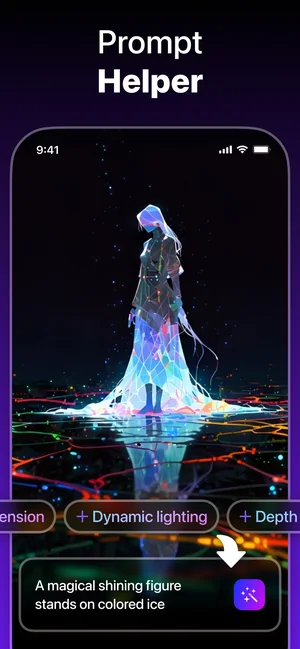
Prompt Helper suggests additions — dynamic lighting, depth — which is the fastest way to learn what actually changes an image.
How it works
Describe the image
Write what you want to see. Specific beats poetic: subject, setting, lighting, mood.
Pick a style, or several
Choose from the style chips and combine them where a single one is not the look you are after.
Generate and iterate
Adjust the prompt and run it again — the first result is a starting point, not the answer.
Or start from a photo
Bring in an existing image and let the AI rework it in a new style instead of generating from scratch.
Finish in the editor
Crop, blur, filters and the brightness, contrast, saturation and temperature controls tidy the result.
Good to know
- Generated images are unpredictable by nature. Hands, text inside a picture and precise repeats of the same subject are where AI generation is weakest, and no prompt makes that fully reliable.
- This page does not state output resolution, file formats, generation limits or how long your prompts and images are kept — none of that is published for this listing. Check the App Store privacy details before uploading photographs of people.
- Rights to what you generate depend on the terms of the service and on the law where you are, and are not settled by this app. Take advice before commercial use.
- Generation happens over a connection; there is no offline mode.
Pricing and privacy
Free · In-App Purchases. Generation is a paid feature in most tiers; the App Store listing shows what the current subscription includes.
Privacy Policy · EULA · Support and refunds
Facts on this page come from the App Store listing and the app's own screens, and were last checked on . Something out of date? Tell us.
Questions about AI Image Generator
Can I restyle my own photo instead of generating a new image?
Yes — AI reworking takes an existing photograph and applies a new style or mood, and the built-in editor finishes it.
How do I get a better result?
Be specific about subject, setting and lighting, combine styles rather than relying on one, and iterate. Prompt Helper suggests additions such as dynamic lighting and depth.
What resolution do images come out at?
That is not published for this listing, so we do not state a figure. Generate a test image and check it against what you need before committing to a project.
Is this the same as the avatar app?
No. This one generates arbitrary images from a prompt. AI Avatar is built specifically around turning your selfies into stylised portraits — different job, different app.